
AI-powered Pravachan study notes
Understand every Pravachan. Keep it. Revise it.
प्रवचन सुनें ही नहीं — उन्हें समझें, संजोएँ और दोहराएँ।
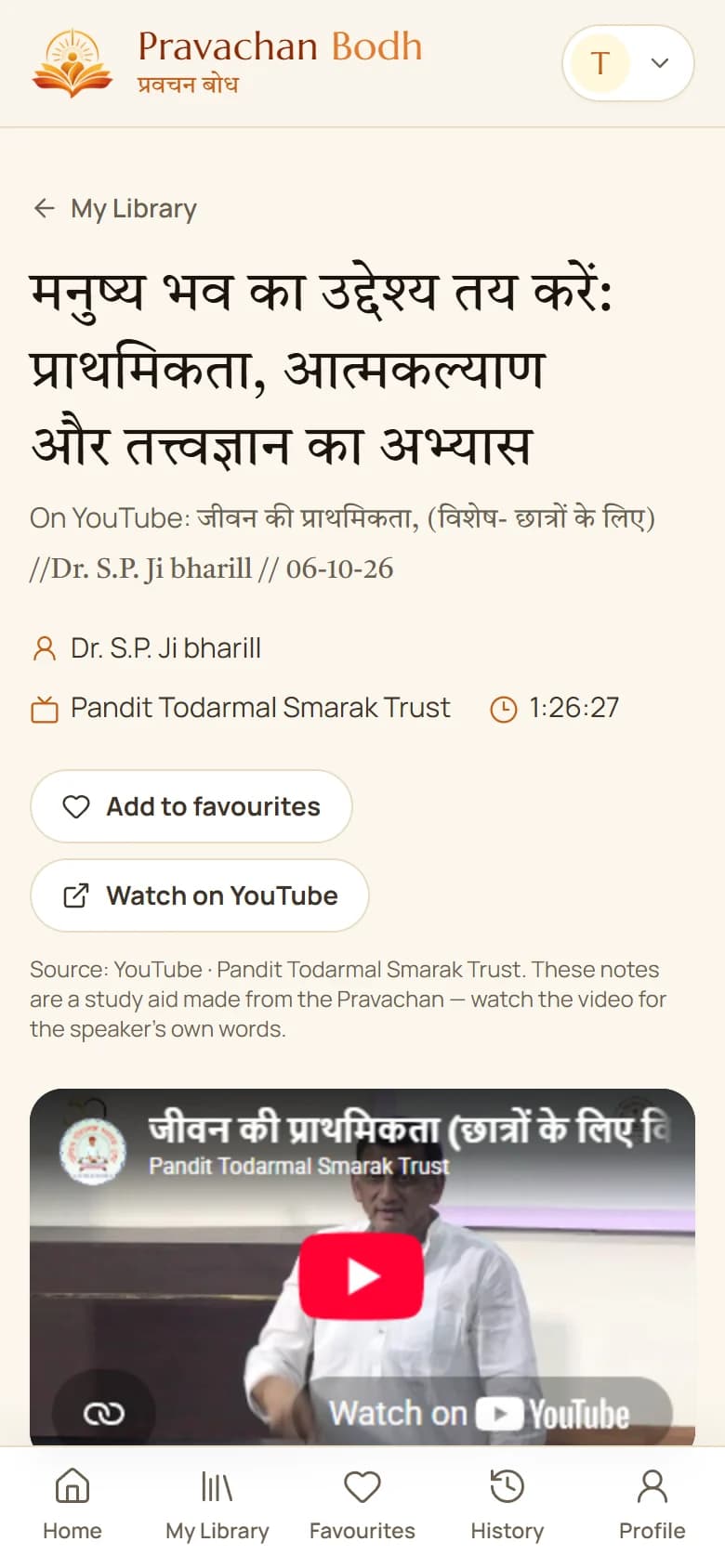
Paste a YouTube Pravachan link — AI reads the whole Pravachan and prepares a clear summary and structured Hindi study notes, saved in your own searchable library.
Free · Windows 10 and 11
Coming soonजल्द आ रहे हैं


Android and iPhone apps are coming soon on the Google Play Store and the App Store.
Get the app
Pravachan Bodh on your devices
अपने कंप्यूटर और फ़ोन पर प्रवचन बोध
Android
Android फ़ोन के लिए
For Android phones
Coming soon on the Google Play Storeजल्द ही Google Play Store पर
iPhone & iPad
iPhone और iPad के लिए
For iPhone and iPad
Coming soon on the App Storeजल्द ही App Store पर
How it works
Three steps from a link to your notes
- 1
Install the app
ऐप इंस्टॉल करें
Download Pravachan Bodh for Windows and sign in with your email — no password needed.
- 2
Paste a YouTube link
लिंक डालें
Paste the link of a Pravachan. The app reads the Hindi captions and analyses the whole Pravachan.
- 3
Study your notes
अपने नोट्स पढ़ें
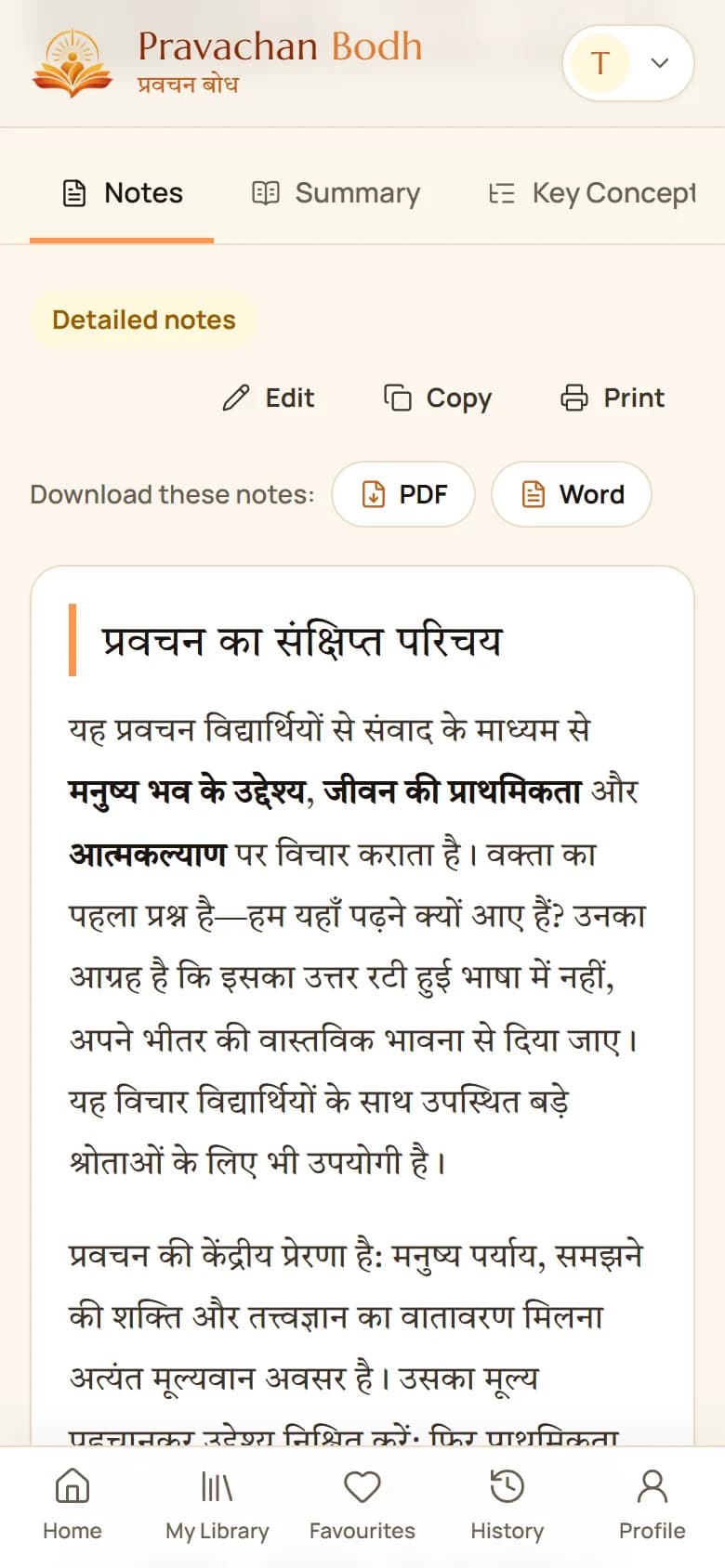
Clear Hindi notes and a summary, saved in your library. Download them as PDF or Word.
Made for study
Everything you need to learn from a Pravachan
Notes your way
आपके अनुसार नोट्स
Quick notes today — Standard, Detailed and Deep Study notes are coming soon.
Summary & key concepts
सार और मुख्य अवधारणाएँ
The main subject, the speaker’s own explanations, examples and conclusions.
Download PDF & Word
PDF और Word में डाउनलोड
Print your notes, share them with your study group, or edit them in Word.
Your private library
आपकी निजी लाइब्रेरी
Every Pravachan you study, with favourites and history, on every device.
Search everything
सब कुछ खोजें
Find a Pravachan by title, speaker, topic or any word in your notes.
Windows app — phones soon
Windows ऐप — फ़ोन ऐप जल्द
The Windows app is ready today. Android and iPhone apps are coming soon, with the same library.
Faithful to the Pravachan
प्रवचन के प्रति निष्ठावान
In philosophy and scripture a single word can change the meaning. Pravachan Bodh writes notes only from what the speaker actually says, keeps Jain terms such as द्रव्यार्थिक नय, सम्यग्दर्शन and स्याद्वाद intact, and corrects common caption mistakes with a glossary we maintain. The original video and channel are always shown — Pravachan Bodh is a study aid, not the source.
Questions
Frequently asked
Does the AI add its own ideas to the notes?
No. Notes are written only from what the speaker says in that Pravachan. Nothing is added from outside, no quotations are invented, and unclear passages are left out rather than guessed.
How many Pravachans can I add?
Three new Pravachans a day. Reading, searching, editing and downloading your saved notes is unlimited.
In which language are the notes?
The notes and summary are written in Hindi, like the Pravachans. You can also make an English copy of any notes — it counts as one more Pravachan for the day.
Why is Pravachan Bodh an app?
YouTube does not share captions with websites, but it does with your own internet connection. The app fetches them on your computer for you, so all you do is paste a link.
When will the phone apps come?
The Android app (Google Play Store) and the iPhone and iPad app (App Store) are coming soon. Your library, notes and history will be the same in every app.
Who can see my notes?
Only you. Your library, notes and history are private.
Start your Pravachan library today
आज से अपनी प्रवचन लाइब्रेरी शुरू करें
Android and iPhone / iPad apps — coming soon on the Google Play Store and the App Store.